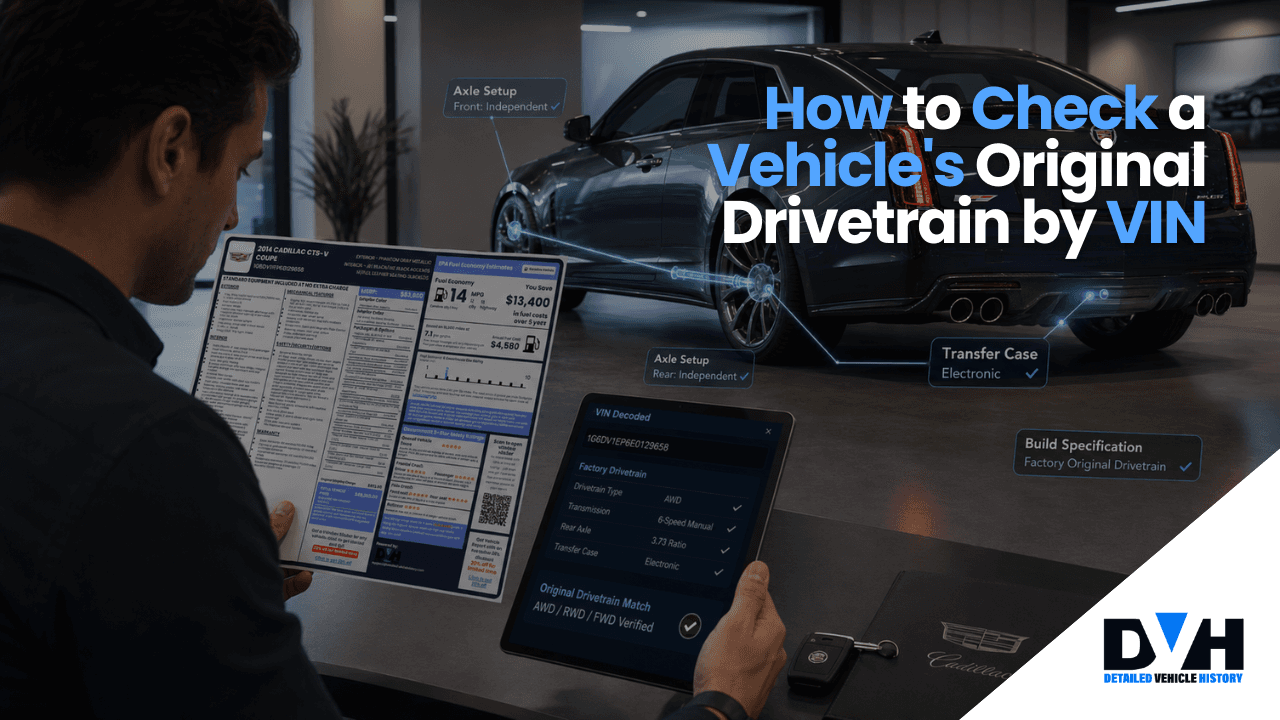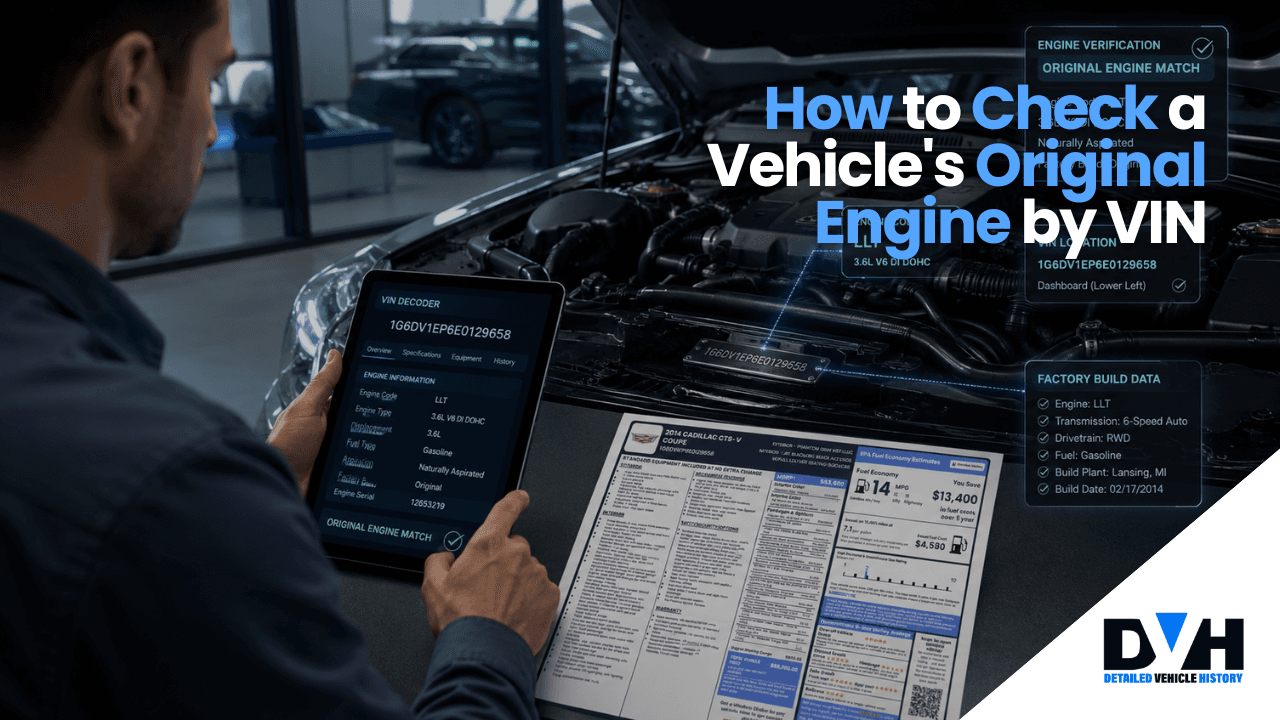
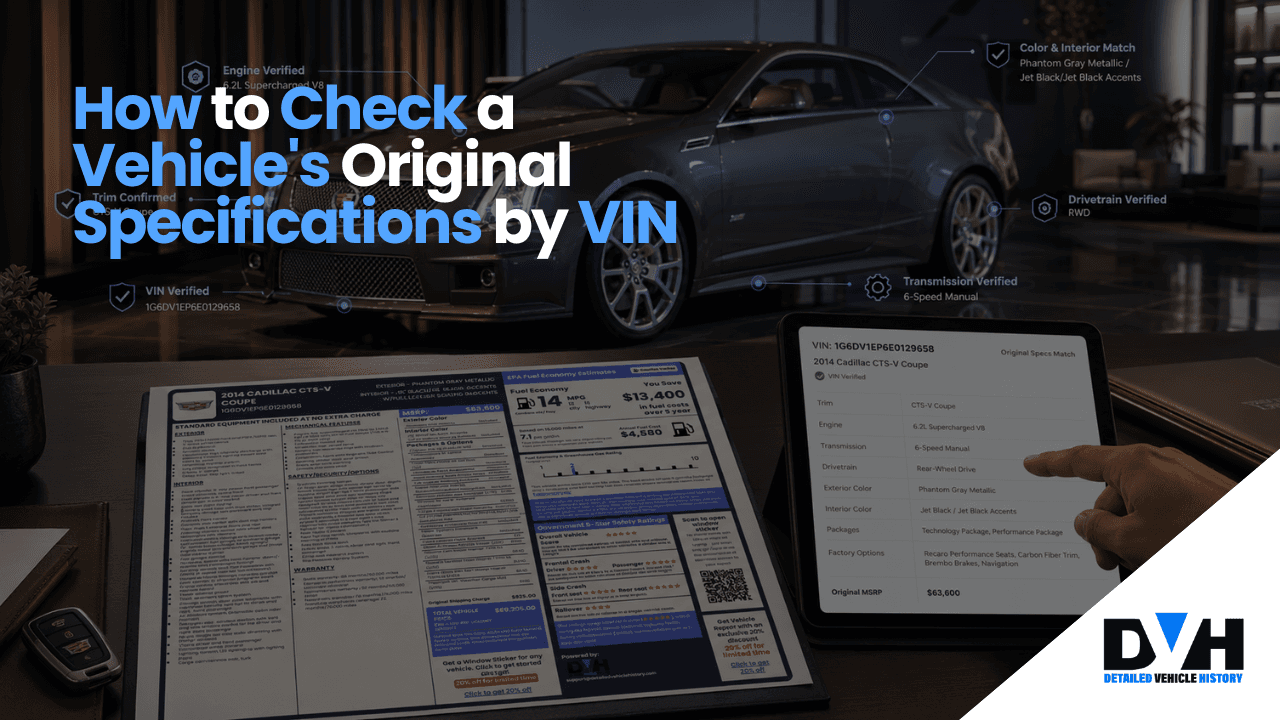
How to Check a Vehicle's Original Specifications by VIN
Key Takeaways
- A free VIN decoder can quickly show core specs like year, make, model, trim, engine, transmission, drivetrain, fuel type, body style, and sometimes MSRP.
- A window sticker by VIN goes deeper and shows factory options, pricing, fuel economy, safety info, and warranty details.
- If the VIN info doesn’t match what the seller says, that’s a red flag worth checking out.
- Knowing the original specs helps with parts, maintenance, insurance, recalls, resale value, and overall ownership costs.
If you want to check a vehicle's original specifications by VIN, it's actually pretty simple. Enter the 17-character VIN into a VIN decoder and you'll usually get information like the year, make, model, trim, engine, transmission, drivetrain, fuel type, and body style tied to that specific vehicle.
If you want more detailed information, a window sticker by VIN can also show the original MSRP, factory options, fuel economy ratings, safety information, warranty details, and the exact package the vehicle came with when it was new.
This can be useful when buying a used car, ordering parts, comparing trims, or simply confirming that a vehicle is really what the seller claims it is. In a lot of cases, a quick VIN lookup can clear up questions that would otherwise take hours of research.
What Does a VIN Actually Tell You?
A VIN (Vehicle Identification Number) is a unique 17-character code (or shorter in classic cars) every vehicle gets when it’s made. Think of it like the car’s fingerprint where no two are the same.
When you see the VIN for the first time, it looks like a random mix of letters and numbers, but these characters hold so much useful information. Each part of the VIN tells you something different about the vehicle, including who made it, where it was built, and how it was set up.
The VIN is split into three main sections.
World Manufacturer Identifier (WMI)
The first three characters let you narrow down the maker and the general origin. From that you can often tell if it was built in the U.S. , Canada, Mexico, Japan, Germany, or elsewhere. It also names the manufacturer and, in some cases, even hints at the type of vehicle.
Vehicle Descriptor Section (VDS)
Characters four through eight get into the details. This part tells you about the engine, body style, transmission, safety features, and drivetrain. A lot of the key specs you see in a VIN lookup come from this section.
Vehicle Identifier Section (VIS)
Finally, we have the VIS, which is more about the specific vehicle itself. It includes things like the check digit, model year, assembly plant, and the vehicle’s unique production number.
This is what makes each vehicle different, even if two cars are the same model.
READ ALSO: How to Read a Car Window Stickers [Ultimate Guide]
How to Check a Vehicle's Original Specifications by VIN Step by Step
The good news is that checking a vehicle's original specifications doesn't take very long. In most cases, you can go from having a VIN to seeing the factory specs in less than a minute.
Find the VIN
First, you'll need the VIN itself.
Most vehicles have the VIN in several places:
- Driver-side dashboard near the windshield
- Driver-side door jamb sticker
- Vehicle registration
- Vehicle title
- Insurance card
For modern vehicles, the VIN should be 17 characters long. If it isn't 17 characters, double-check that you're looking at the right number or if the vehicle is a classic car.
Copy the VIN Carefully
This sounds obvious, but it's one of the most common mistakes people make. A VIN is tied to one specific vehicle. Even a single wrong character can pull up an entirely different vehicle.
Run a Free VIN Decode
Once you have the VIN, enter it into a VIN decoder.
Detailed Vehicle History’s decoder will pull the factory data tied to that vehicle and return information such as:
- Year
- Make
- Model
- Trim
- Engine
- Transmission
- Drivetrain
- Fuel type
- Body style
- MSRP
This is usually enough information to verify the vehicle's identity and basic configuration.
Pull the Window Sticker
If you want the full picture, this is the next step. A window sticker lookup can show:
- Factory-installed options
- Package information
- Original MSRP
- Fuel economy ratings
- Safety ratings
- Warranty details
- Interior color
- Exterior color
This is especially useful when you're comparing multiple vehicles that seem similar on the surface.
In a lot of cases, the window sticker ends up explaining why one vehicle is worth more than another.
Investigate Any Mismatches
Don't just look at the specs and move on. Compare them against the actual vehicle and the seller's listing. If the VIN data doesn't match the listing, don't ignore it.
For example:
- The VIN says AWD but the listing says FWD.
- The VIN shows a base trim but the seller claims it's a premium trim.
- The VIN shows one engine but the seller lists another.
None of these automatically mean something shady is going on. But they do mean you should ask for clarification before spending money.
Check the Vehicle History Too
Specs tell you what the vehicle was built with but they don't tell you what happened afterward. That's why it's smart to pair a VIN specs lookup with a vehicle history report.
The VIN decoder confirms the factory build.
The history report can help identify things like:
- Accident history
- Title records
- Sales records
- Recall information
- Ownership history
- Theft records, and more
Using both together gives you a much clearer picture than either one alone.
What Vehicle Specifications Can You Find by VIN?
This is usually what people want to know before they run a VIN check. It really depends on whether you’re using a basic VIN decoder or pulling the full window sticker.
A VIN decoder gives you the main specs. The window sticker fills in the extra details.
What a VIN Decoder Typically Returns
Most VIN decoders will show:
- Year, make, model, and trim
- Engine size and type
- Transmission type
- Drivetrain
- Body style
- Fuel type
- Country where it was built
- Assembly plant
- GVWR (for trucks)
- Base MSRP
What a Window Sticker by VIN Adds
A window sticker gives you more detailed info that a basic VIN decoder usually doesn’t include.
That can include:
- Full list of factory-installed options
- Pricing for each option
- Total MSRP breakdown
- Fuel economy ratings
- Warranty details
- Safety ratings
- Standard equipment
- Exterior color
- Interior color
The VIN decoder tells you what the vehicle is. The window sticker shows exactly how it was set up when it was first sold.
READ ALSO: How to Use Car Sticker Price to Negotiate a Fair Price
Why Check Vehicle Specifications by VIN?
A lot of people don't think about VIN lookups until they're shopping for a used car. The reality is that there are quite a few situations where checking the original specifications can be helpful.
Confirm the Vehicle Is What It's Supposed to Be
Sometimes listings are incomplete. Other times they're simply wrong.
Maybe the seller selected the wrong trim when creating the listing. Maybe they copied information from another vehicle. Sometimes they genuinely don't know the exact specifications themselves.
A VIN lookup helps verify the year, make, model, trim, engine, and drivetrain before you spend time inspecting the vehicle.
Spot Potential Fraud or Misrepresentation
Most sellers are honest. Unfortunately, not all of them are.
Let's say a seller advertises an SUV as AWD, but the VIN shows it was originally built as FWD. Or maybe they're claiming a higher trim level than what the VIN records indicate.
That doesn't automatically mean someone is trying to deceive you, but it's definitely something worth investigating before moving forward.
Order the Correct Parts
This is one of the most overlooked reasons to check vehicle specs by VIN.
A lot of parts are specific to certain engines, transmissions, or trim levels. Two vehicles may have the same year and model but use completely different components underneath.
Checking the VIN first can save you from ordering parts that don't fit.
Protect Resale Value
Original specifications can have a direct impact on value.
For example, a truck with a factory tow package, upgraded suspension, and premium technology package may be worth more than a similar truck without those options.
Having documentation that confirms the original build can help support the vehicle's value when it's time to sell.
Common Issues and Red Flags To Notice
VIN lookups are extremely useful, but there are still a few things to watch out for.
VIN Mismatches
If the VIN on the dashboard doesn't match the VIN on the title or registration documents, stop and investigate before moving forward.
That's a major red flag.
Missing Records
Not every vehicle has complete digital records available. This is especially true for older vehicles where documentation may be limited.
Specification Differences
Sometimes the VIN data doesn't match what you're seeing in person.
For example, the VIN might show one engine while the vehicle contains another. Or the VIN might indicate a base trim even though the seller claims it's a premium model.
Sometimes there's a reasonable explanation. Sometimes there isn't.
Salvage or Theft Concerns
If you're purchasing a used vehicle, it's always a good idea to pair the VIN lookup with a vehicle history report.
That can help to spot title brands, theft records, accident history, and other issues that a basic VIN decoder may not show.
Tips for Getting Accurate Results
If you want the most accurate information possible, don't rely on a single source.
Use multiple VIN lookup tools when available and compare the results. If something seems off, verify the information through the manufacturer or dealership.
It's also smart to save a copy of any sticker or vehicle history report you generate. That way you'll have a record to reference later if questions come up about the vehicle's specifications.
Most importantly, don't rely solely on the report. Always compare the decoded information with the actual vehicle sitting in front of you.
Final Thoughts on Verifying Original Vehicle Specifications
Checking a vehicle's original specifications by VIN is one of the easiest ways to learn exactly how a vehicle was built. In just a few minutes, you can verify important details like the engine, transmission, trim, drivetrain, and factory equipment.
Whether you're buying a used car, researching parts, comparing vehicles, or verifying a seller's claims, a VIN lookup can provide information that helps you make better decisions. It's a simple step, but one that can save a lot of time, money, and headaches later on.
FAQ on How to Check a Vehicle's Original Specifications by VIN
What vehicle specifications can I find using a VIN?
Quite a bit, actually. A VIN lookup can usually tell you the year, make, model, trim, engine, transmission, drivetrain, fuel type, and body style the vehicle left the factory with. Some services also provide the original window sticker, which can include factory options, MSRP, safety information, and warranty details.
Is checking vehicle specs by VIN free?
In many situations, yes. A lot of VIN decoders show the core factory information without charging you. If you’re hunting for the original window sticker, deeper build data, or a full vehicle history report, then a fee may pop up.
How accurate are vehicle specs found by VIN?
Most of the time, the data is pretty accurate because it’s sourced from manufacturer records that match that specific vehicle. The catch is it only tells you how the vehicle was built at the start.
If somebody swapped an engine, or did big modifications later on, the VIN won’t automatically reveal those changes
Can I check specs for an older or classic car by VIN?
Yes, you can easily check specs for an older car with our build sheet lookup tool. This tool provides a copy of the vehicle’s original build sheet showing all specifications and production details.
What's the difference between a VIN decode and a vehicle history report?
They’re doing two different things. A VIN decode explains what the car is, and how it was set up originally from the factory. A vehicle history report is more about what happened after, including accidents, title records, ownership timeline, recalls, and other events connected to the vehicle.

About Joses Peter
131 articles published
Joses Peter is a seasoned writer with a portfolio of 100+ blog posts and two published papers. Currently, she contributes as a professional writer in the automotive industry, with a great passion for technology and automobiles. This passion keeps her constantly learning and translating complex tech concepts into accessible content.